A video call that writes the note
Secure video visits, scheduled ahead or started on the spot. Either side can turn their camera off and keep talking. Patients join from a secure link, with nothing to install. With the patient's consent Scribe rides along, and the note is waiting when you hang up.
See the Telehealth Module
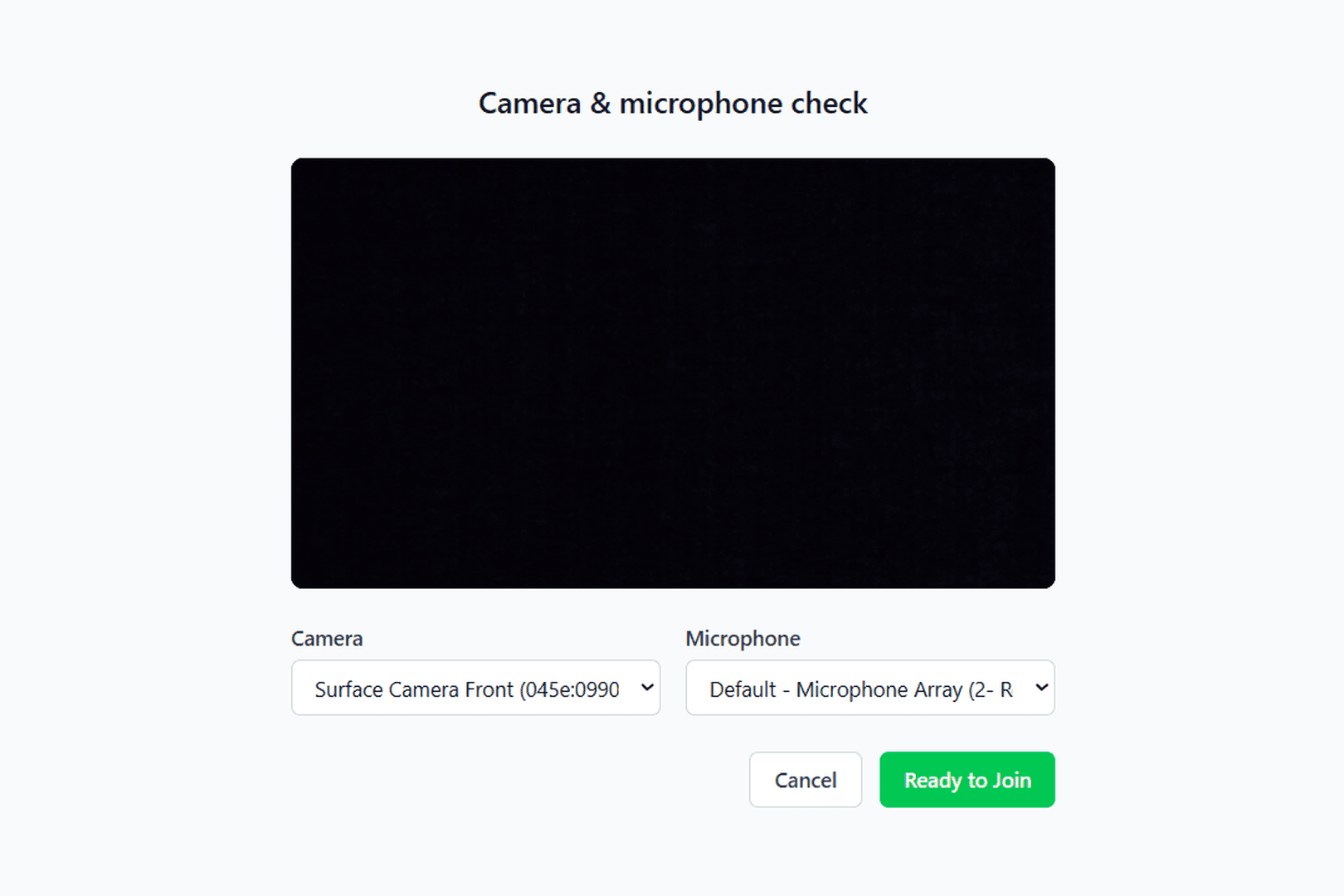
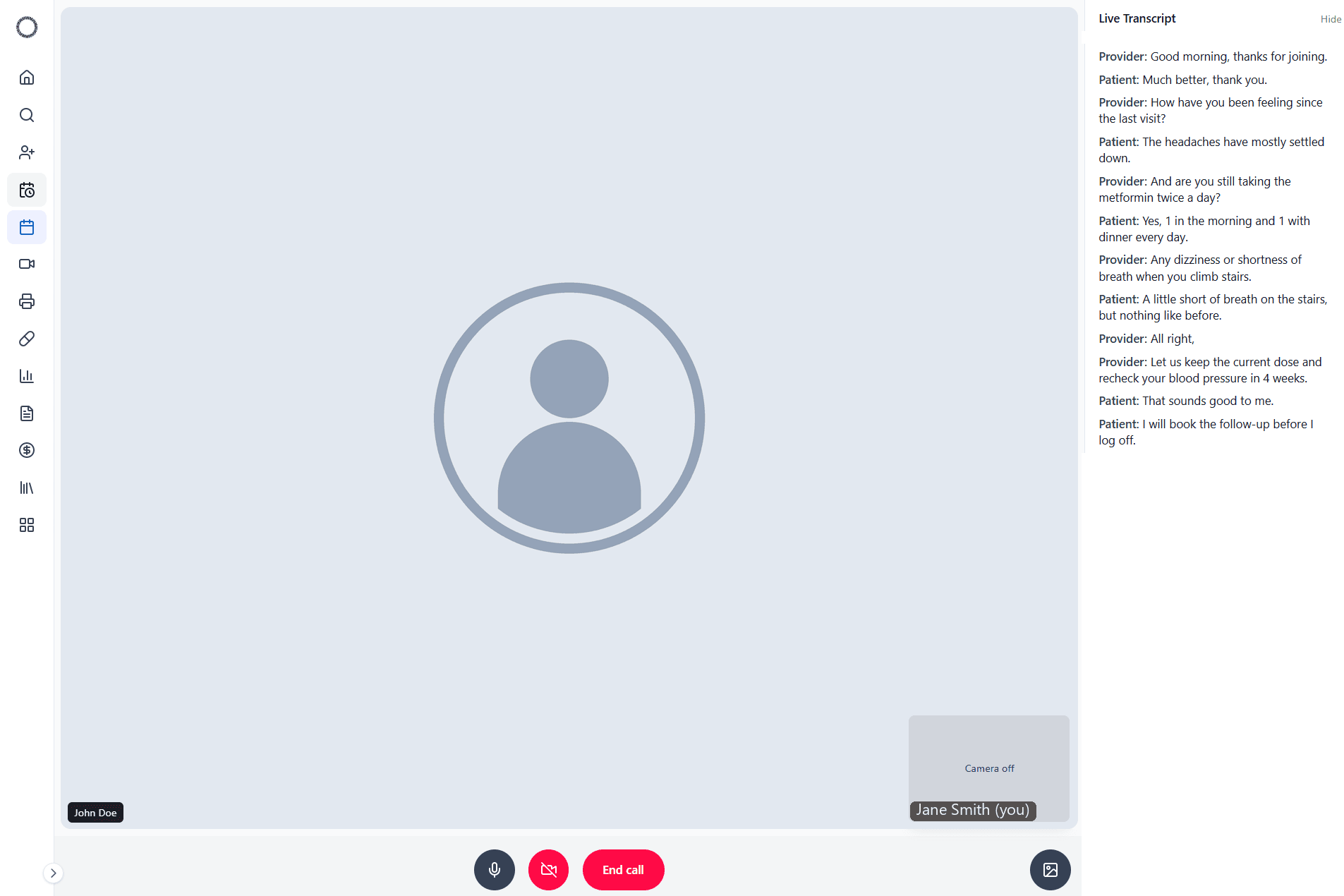
Book a video visit from the chart with consent recorded, check camera and microphone before joining, and see the call transcribed live with provider and patient labeled. Filmed in the live app on a synthetic patient.
Patients click a link, nothing to install
Patients join from a secure link you send, in any modern browser, on a phone or a laptop. If they arrive first, they wait in the room until you join.
- Join from a secure link, nothing to install
- No app install, on any modern browser
- Consent captured before the visit starts
- If they arrive first, they wait until you join
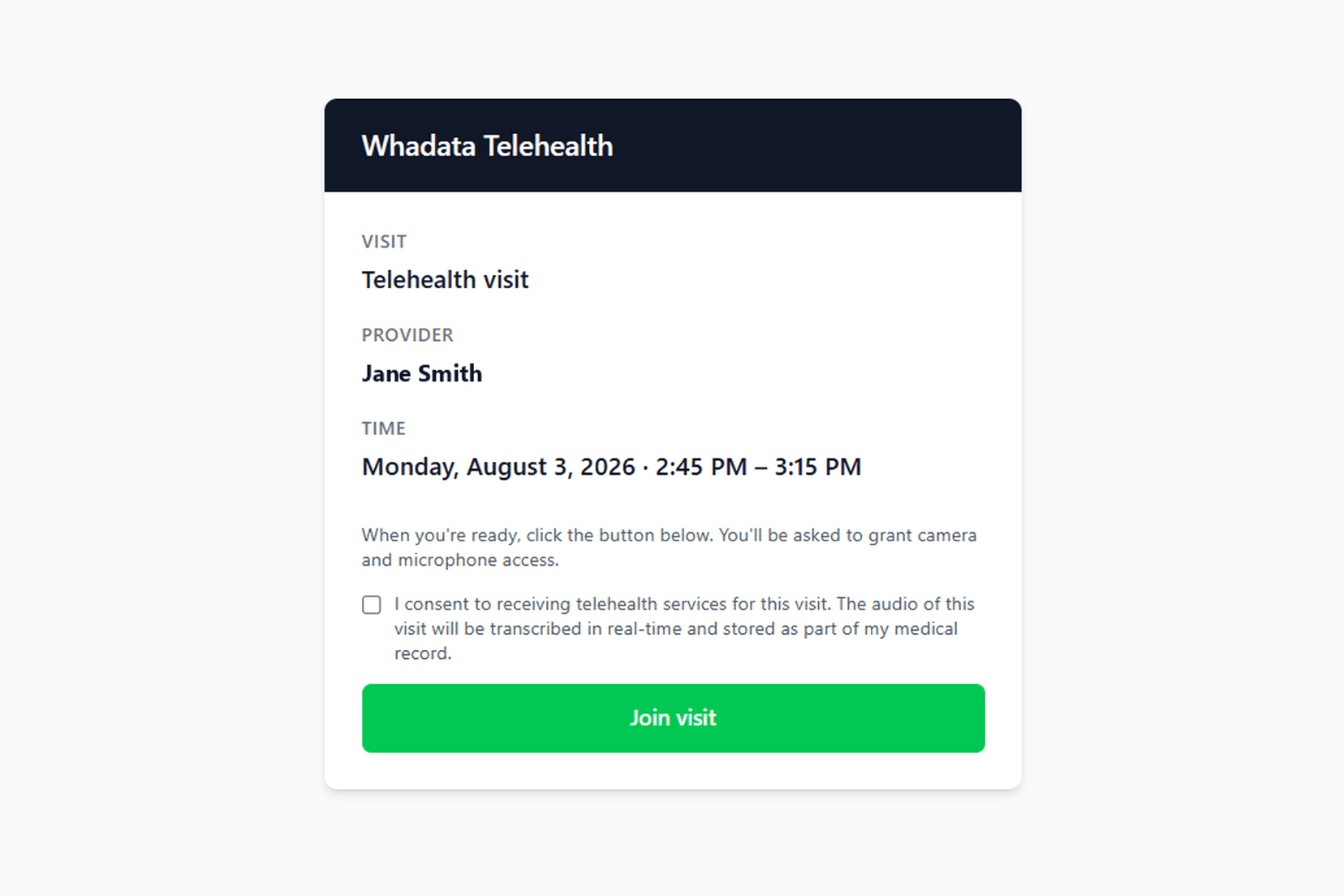
Check your camera and mic before you go live
Pick the camera and microphone you want and see your own preview before the patient does. The check opens when you start the visit from the day's schedule, so you go straight into the room without switching tools.
- Camera and microphone pickers with a live preview
- See your own video before the patient does
- Start the visit from the schedule, or on demand
- Turn your camera off any time and keep talking
Scribe rides along, same as in person
With the patient's consent, a telehealth visit can be transcribed live in a rail beside the call, with the clinician and patient labeled separately. Cameras can stay off the whole time without affecting it. The transcript flows straight into the patient's record as a session, so the note is ready to review the moment the call ends.
- Live transcript rail beside the call
- Clinician and patient labeled separately
- Runs the same with cameras on or off
- Saved to the chart as a session, ready to review
Questions worth an answer
Do patients need to install anything?
No. Patients join from a secure link you send, in any modern browser, on a phone or a laptop. If they arrive first, they wait in the room until you join.
Is a camera required?
No. Either side can turn their camera off during the visit and keep talking. Transcription is unaffected.
Is a telehealth visit transcribed?
With the patient's consent for that visit, yes. The visit can be transcribed live in a rail beside the call, with the clinician and the patient labeled separately, and cameras can stay off the whole time without affecting it. The transcript flows into the patient's record as a session, so the note is ready to review the moment the call ends.
How do I start a visit?
From the day's schedule. You pick your camera and microphone and see your own preview before the patient does, in a quick check that opens when you start the visit, so there is no second tool between the schedule and the room.
The visit and the record
A telehealth visit runs on the same schedule, the same chart, and the same note as an in-person one.
Go deeper
Terms this module works with
- Telehealth: Care delivered over secure video or audio.
Next steps
- Compare Whadata to your current EHR: Side by side with six platforms on scope, pricing, and AI.
- Pricing: every module for one posted rate per provider.
- Glossary: the EHR, practice management and revenue cycle terms behind the platform.