Your front office, on one screen
A 14-section digital intake patients finish before they arrive, a calendar your whole office shares, and a portal where patients onboard, book their own visits where you allow it, and pick up the records you release. One record, one login.
See the Patients Module
The patient record in one place, an insurance card scanned into fields for review, and the patient's intake form opened on the chart. Filmed in the live app on a synthetic patient.
14 sections that patients finish
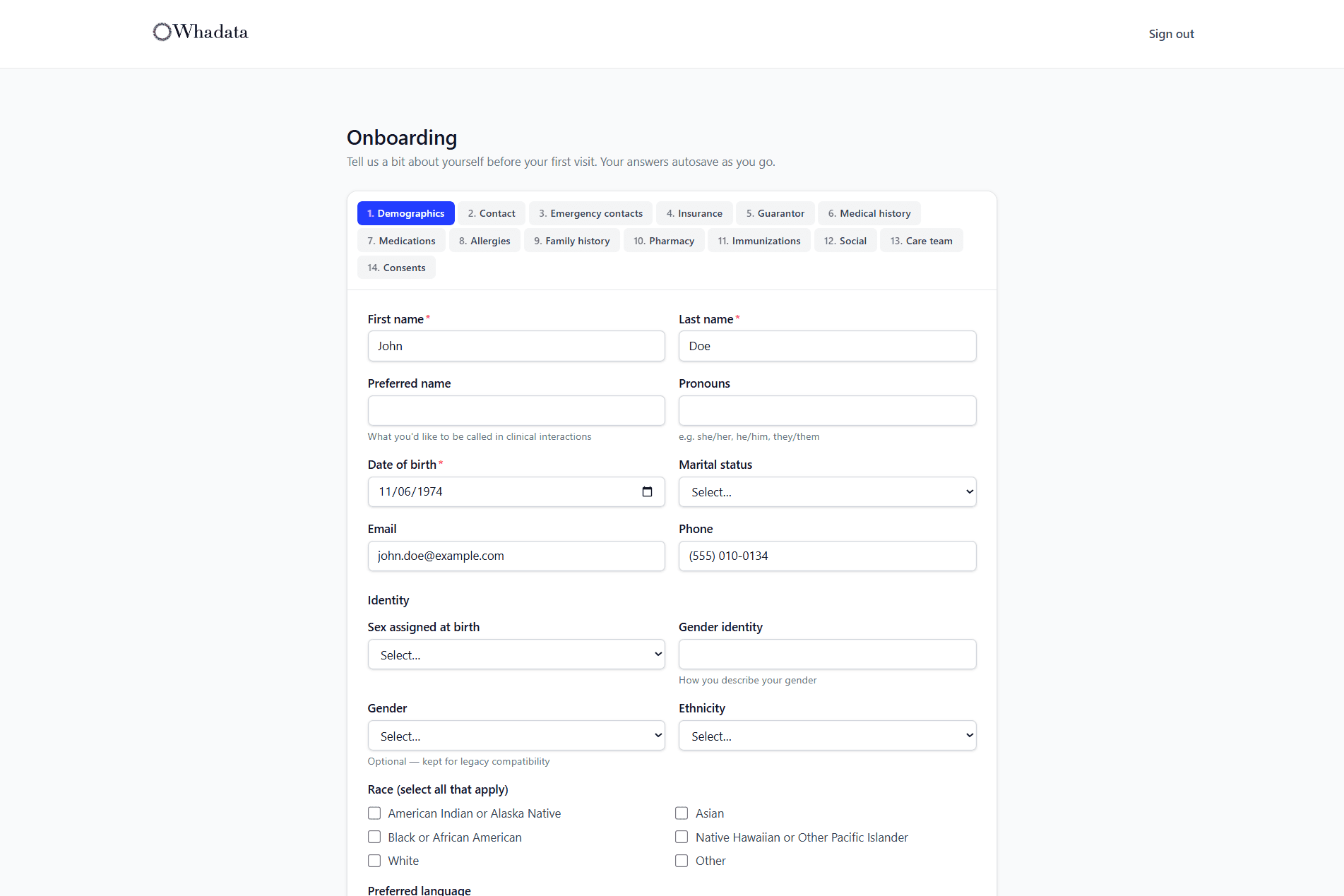
Send patients a link and they complete intake before they arrive: demographics, insurance, history, medications, allergies, and consents. Drafts autosave section by section so they can stop and pick up later, required sections are enforced before they submit, and their answers reach the chart, with demographic changes held for staff to review and apply.
- Demographics, contact, emergency contacts, and guarantor
- Insurance with card photo capture and OCR
- Medical, medication, allergy, family, social, and immunization history
- Consents with on-screen e-signature, plus pharmacy and care team
- Autosave and resume; required sections checked at submit
A calendar the whole office shares
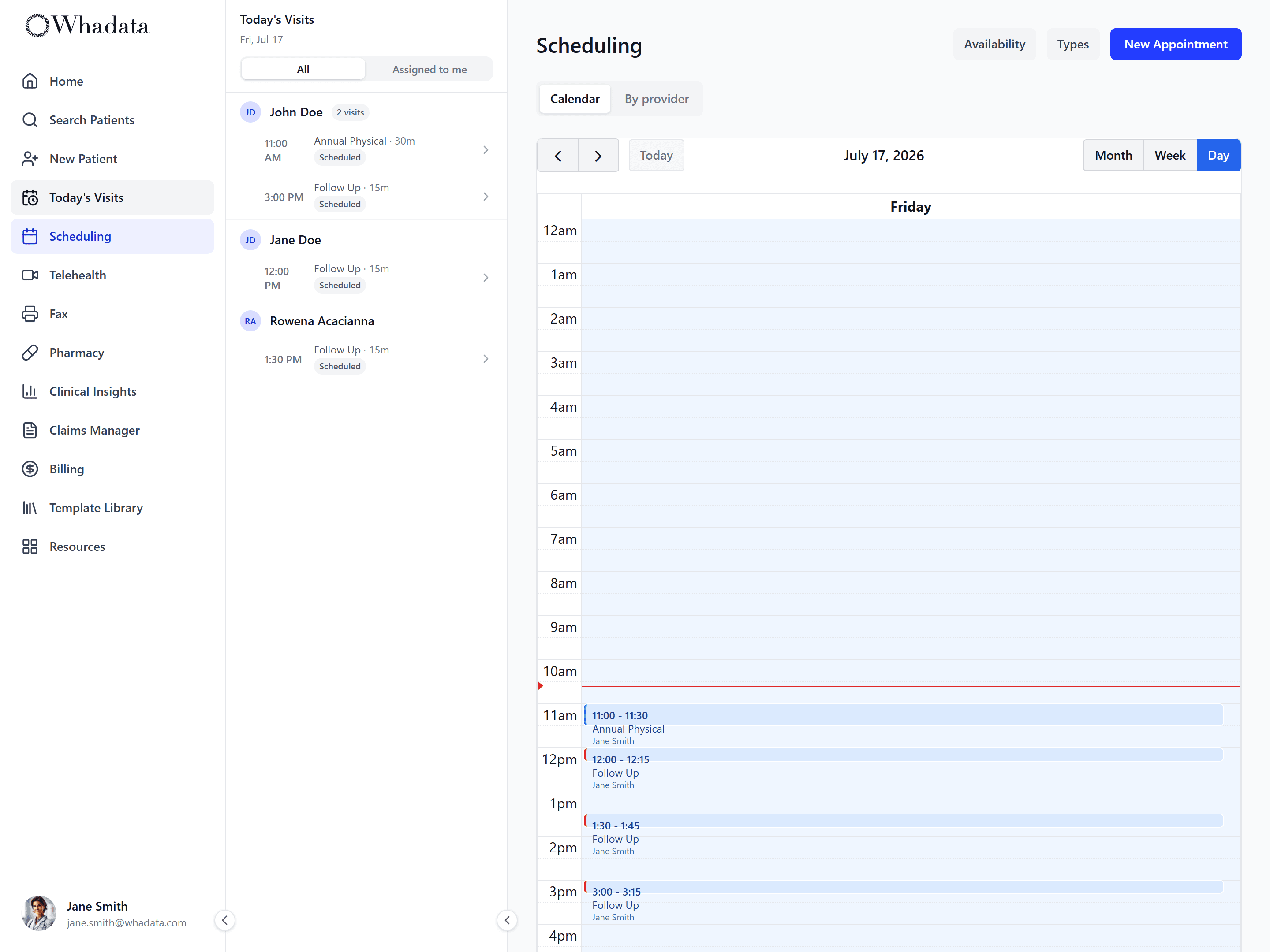
One calendar for the front desk and providers. Build appointment types with their own length and buffers, set each provider's availability with date-specific overrides, and block out admin time. Staff book for patients, and, where the practice enables self-scheduling, patients book themselves, in person or by telehealth.
- Calendar with multi-provider columns
- Appointment types with custom duration and before/after buffers
- Per-provider availability, date overrides, and block-out time
- Check-in to checkout workflow, with no-show and reschedule tracking
The portal patients actually log into
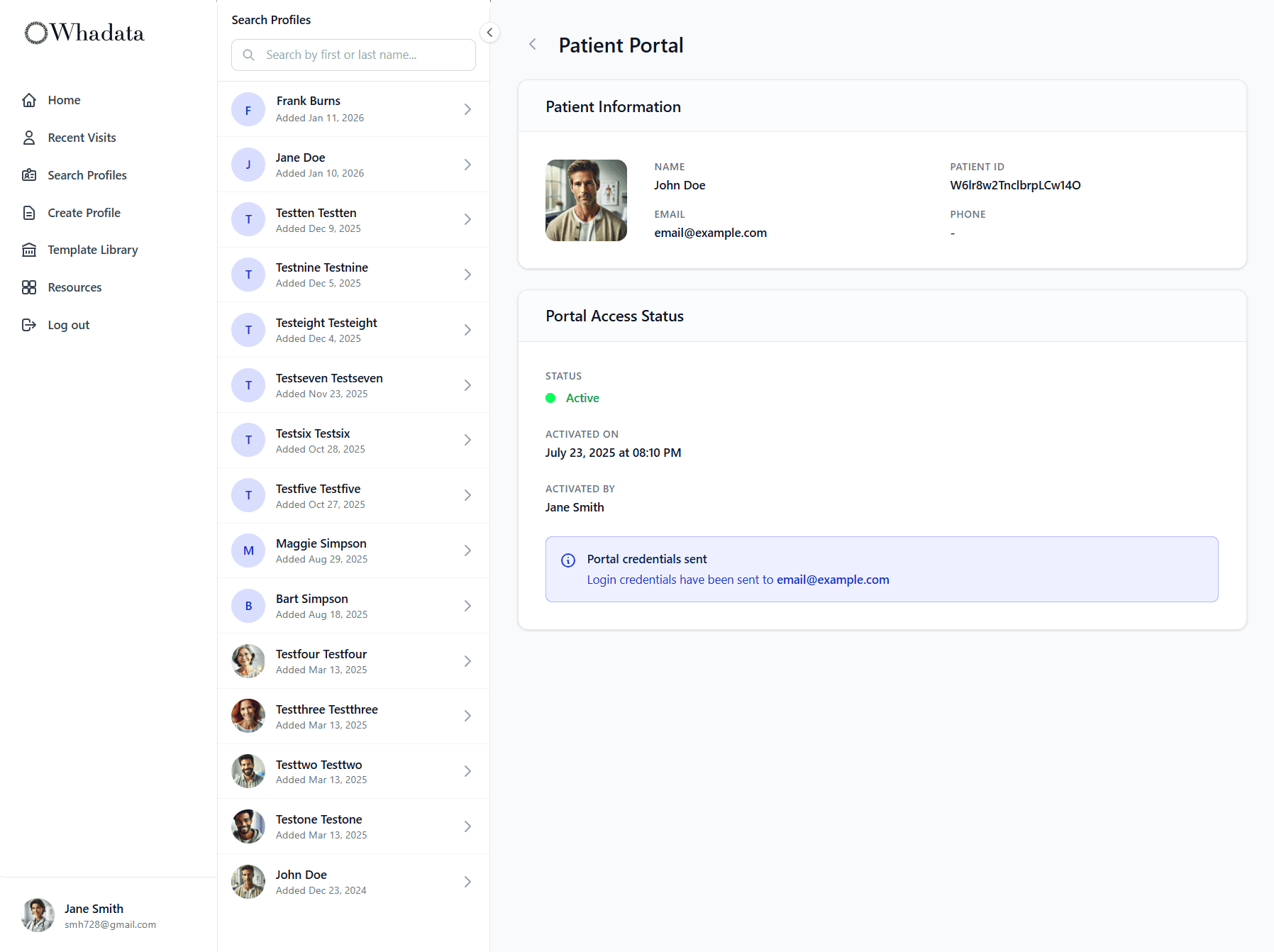
One link, one login. Patients activate a portal account, complete their intake, book their own appointments where the practice enables self-scheduling, and pick up the visit records you release to them. Telehealth visits open from the same place.
- Patient onboarding and 14-section intake
- Self-scheduling from live provider availability, where the practice enables it
- Access to the visit summaries and records you release
- One-tap join for telehealth visits
Questions worth an answer
What does digital intake cover?
14 sections completed before the patient arrives: demographics, insurance, history, medications, allergies, and consents. Drafts autosave section by section so a patient can stop and pick up later, required sections are enforced before they submit, and their answers reach the chart instead of being retyped from paper. Changes to demographics wait for staff to review and apply.
Can patients book their own appointments?
Yes, where the practice turns self-scheduling on; it is off by default, and staff can always book for them against real provider availability. Appointment types carry their own length and buffers, each provider's availability supports date-specific overrides, and admin time can be blocked out. Visits can be in person or telehealth.
What can a patient see in the portal?
Their intake, their appointments, and the visit records you choose to release to them. Telehealth visits open from the same place. Access is granted by the practice, not bought by the patient: there is no patient subscription.
Do front desk and staff seats cost extra?
No. Staff seats are unlimited on every account, so front desk, medical assistants, and billers never add to the bill. Pricing is per provider.
Before and after the visit
Intake and scheduling hand off to the clinical modules, and the results come back to the same record.
Go deeper
Terms this module works with
- Practice Management: The administrative side of running a clinic: patient intake, scheduling, provider availability, eligibility, and front-office workflows.
Next steps
- Compare Whadata to your current EHR: Side by side with six platforms on scope, pricing, and AI.
- Pricing: every module for one posted rate per provider.
- Glossary: the EHR, practice management and revenue cycle terms behind the platform.
One front desk, no swivel chair
Intake, scheduling, and the patient portal: one product, one record.